Why Your Website Is Slow (and 7 Fixes That Actually Work)
A slow website quietly costs you customers, Google rankings, and trust. Here are 7 practical fixes for speed, Core Web Vitals, and SEO that we use on real client projects.
You spent weeks on your design. The colors are perfect, the photos look great, the copy is sharp. But visitors keep leaving before they even see it. If that sounds familiar, the culprit is probably not your design. It is your speed.
A slow website quietly costs you customers, Google rankings, and trust. The good news: most speed problems are fixable, and you do not need to rebuild everything to improve them. In this guide we break down why websites get slow and the 7 fixes we use at Codezotic on real client projects.
Why Website Speed Matters More Than You Think
1. Visitors do not wait. Google's widely cited research shows that a big share of mobile visitors abandon a page that takes more than about 3 seconds to load. Every extra second is a lost lead, a lost booking, or a lost sale.
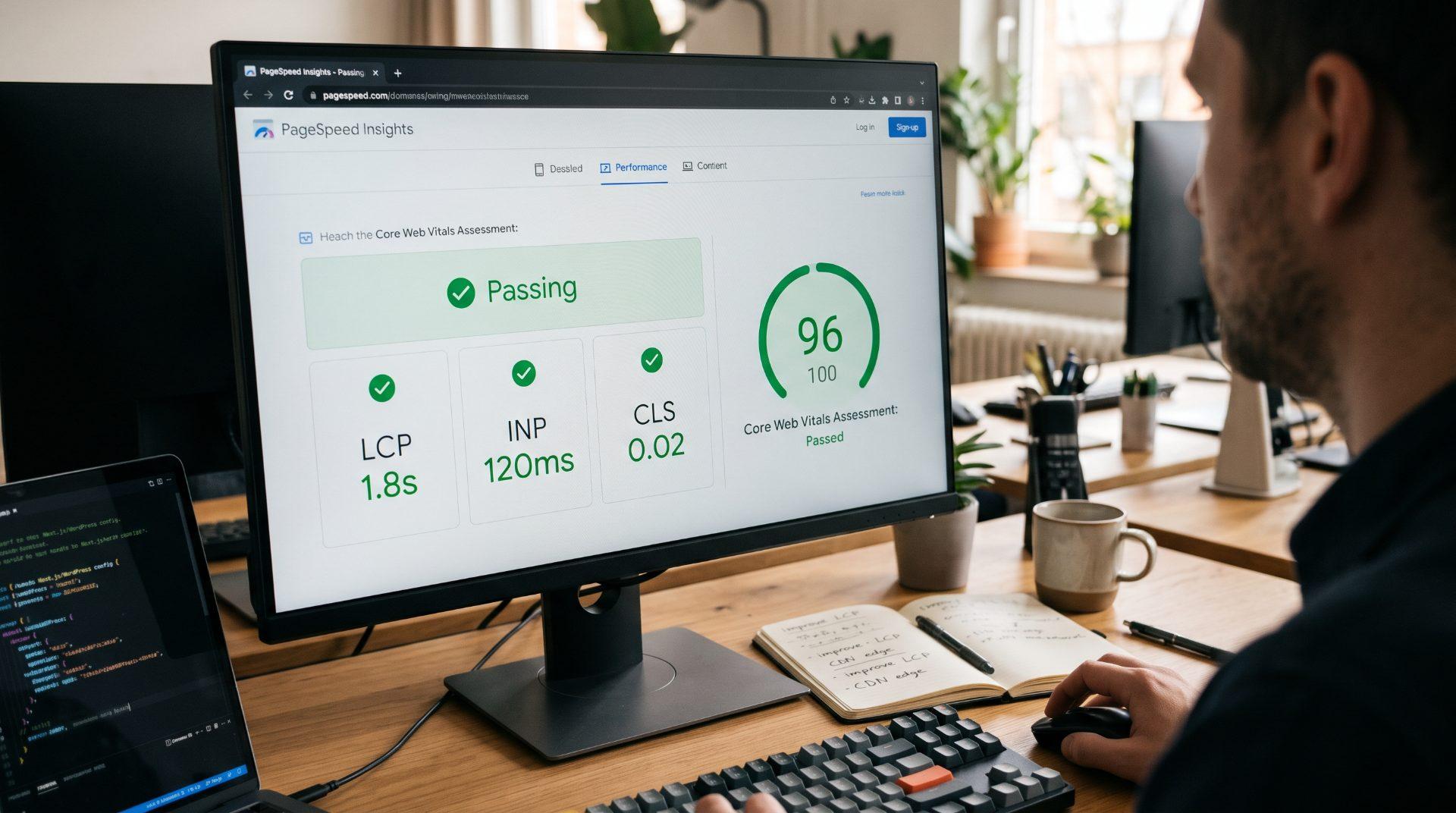
2. Google ranks fast sites higher. Speed is part of Google's Core Web Vitals, a set of metrics that measure real user experience. The three you should know:
- LCP (Largest Contentful Paint): how fast your main content appears. Aim for under 2.5 seconds.
- INP (Interaction to Next Paint): how quickly the page reacts to a tap or click. Aim for under 200 milliseconds.
- CLS (Cumulative Layout Shift): how much the page jumps around while loading. Aim for under 0.1.
3. Speed builds trust. A fast, smooth site feels professional. A slow one feels risky, especially if you are asking people to book, pay, or share their details.
The 7 Fixes
1. Compress and resize your images
Images are the number one reason websites are heavy. A photo straight from a phone camera can be 4 to 8 MB, while a web-ready version should be a few hundred KB at most.
- Use modern formats like WebP or AVIF instead of large PNG or JPG files.
- Resize images to the size they are actually displayed at.
- Use lazy loading so images below the fold load only when the visitor scrolls to them.
If you use Next.js, the built-in image component handles most of this automatically.
2. Choose the right technology foundation
Sometimes the problem is not a setting, it is the foundation. Different tools suit different goals:
- Next.js is excellent for speed and SEO. It pre-renders pages on the server, so visitors get content almost instantly. Great for business sites, startups, and high-traffic projects.
- WordPress is excellent when you need an easy visual editor for publishing content, but it needs proper caching and tuning to be fast.
- React is ideal for dashboards, portals, and web apps that need smooth, app-like interactions.
Picking the right one at the start saves a lot of pain later. Not sure which fits you? Our team can recommend one after a quick discovery call.
3. Remove plugin and script bloat
Every plugin, tracking script, chat widget, and font adds weight. On WordPress sites we often find 30 or more plugins, many of them unused or doing jobs that a few lines of code could handle.
- Delete plugins you do not use.
- Replace heavy plugins with lightweight alternatives.
- Load third-party scripts (analytics, chat, ads) after the main content, not before it.
Fewer moving parts also means fewer security risks.
4. Use caching and a CDN
Without caching, your server rebuilds the same page for every visitor. With caching, it serves a ready-made copy instantly.
A CDN (Content Delivery Network) goes one step further by storing copies of your site on servers around the world, so a visitor in Karachi, Dubai, or London gets the site from a server close to them. Platforms like Vercel do this by default for Next.js projects.
5. Choose good hosting
Cheap, overcrowded shared hosting is a hidden speed killer. If your server takes a full second just to start responding, no amount of image compression will save you.
Look for hosting with fast server response times, good uptime, and a free SSL certificate. For Next.js we deploy on modern cloud platforms such as Vercel or AWS. For WordPress, we use high-performance managed hosting.
6. Clean up your code and fonts
Bloated themes and page builders can ship far more CSS and JavaScript than a page needs.
- Minify and compress your CSS and JavaScript.
- Remove code that is never used.
- Limit custom fonts to one or two families, and only the weights you actually use.
Clean, hand-written code is usually much lighter than a stack of ready-made add-ons.
7. Fix mobile first
Most of your visitors are probably on a phone, often on an average mobile connection. Test your site on a real phone, not only on your laptop.
- Make sure buttons are easy to tap.
- Avoid huge pop-ups and auto-playing videos.
- Reserve space for images and banners so the layout does not jump while loading.
A mobile-first approach improves speed, usability, and your Google ranking at the same time.
How to Check Your Own Website Speed (Free)
You can test your site in a couple of minutes:
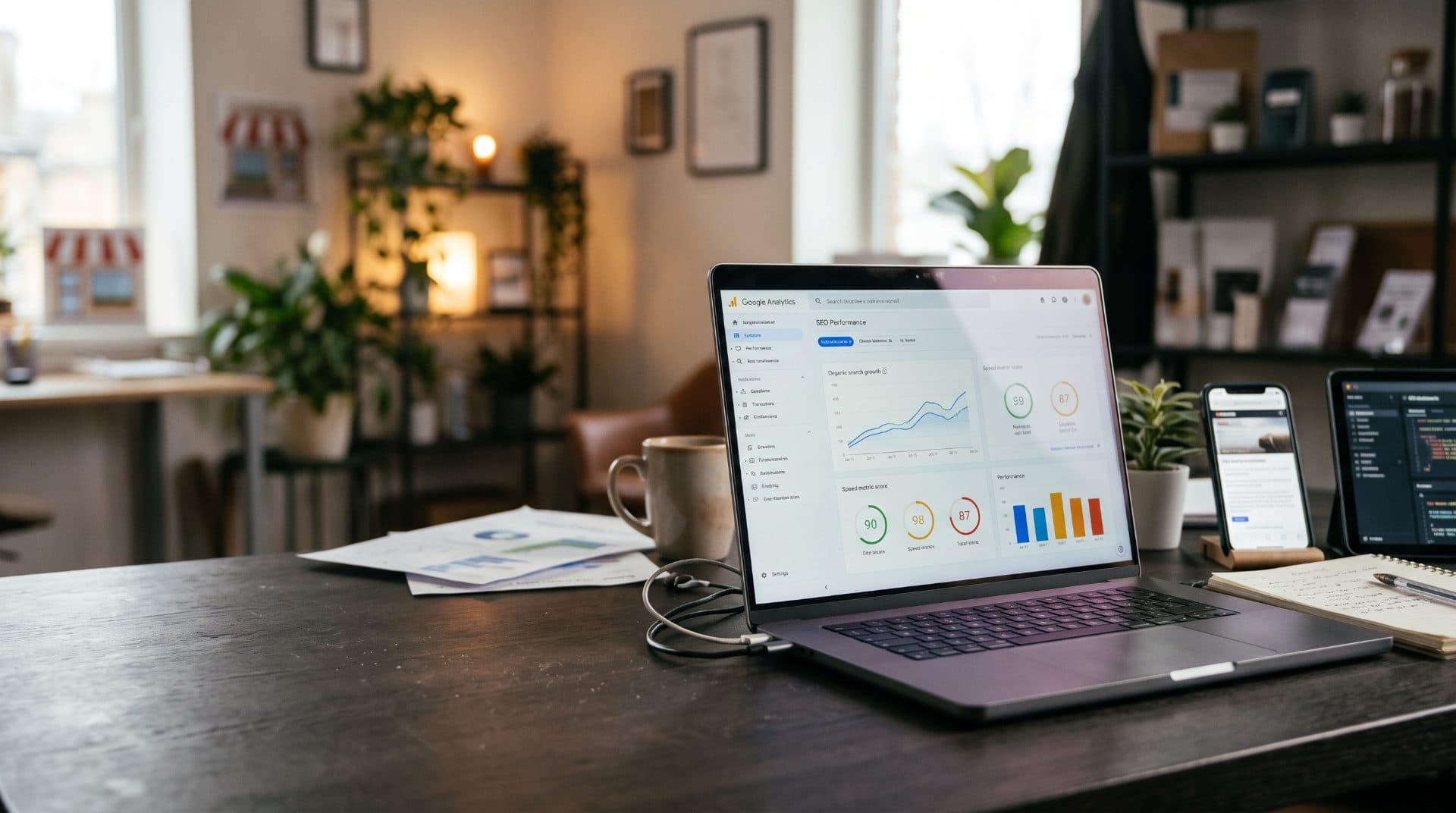
- Google PageSpeed Insights: gives you a score and a list of specific problems for both mobile and desktop.
- Lighthouse (in Chrome DevTools): a detailed audit of performance, accessibility, SEO, and best practices.
- GTmetrix: shows a visual loading timeline so you can see exactly what slows things down.
Run the test on your homepage and on your most important page, such as your services or booking page.
Fix It Yourself or Get Help?
Small changes like compressing images and removing unused plugins are easy to do yourself. But if your site is slow because of its foundation, such as a heavy theme, poor structure, or outdated technology, patching it will only get you so far. In that case, a redesign or rebuild is often cheaper and more effective in the long run.
At Codezotic, we build websites with React, Next.js, and WordPress with speed and on-page SEO built in from day one, including responsive design, clean code, and Core Web Vitals optimization. We also modernize existing websites while protecting your search rankings with proper redirects.
Final Thoughts
Speed is not a technical luxury. It is part of your customer experience and your marketing. Faster pages mean happier visitors, better rankings, and more inquiries.
Start with the easy wins: compress your images, remove unnecessary plugins, and test on mobile. If you want a professional opinion, we are happy to look at your site.
Want a faster website? Get a free quote from Codezotic and we will get back to you within 24 hours.
- #website speed
- #core web vitals
- #slow website
- #next.js
- #wordpress
- #web performance
- #seo